Scanning IP ranges to find friends
tl;dr summary
After a random login to a friend's Minecraft server led us to Shodan, I built a polite IP-range scanner (whois -> nmap -> Minecraft SLP) and piped the results into Elasticsearch + a UI. Scanning ~3M IPs found ~10k servers, plus a reminder to rate-limit, add jitter/backoff, and respect opt-outs.
table of contents
How it started
A friend who runs a Minecraft server noticed a strange login from what looked like a residential ISP. A quick check on Shodan showed that the same IP hosted a local high school website. We assumed it was a student who found the server and tried to connect.
We tried to figure out who it was. NameMC was a dead end. Searches across Google, Bing, DuckDuckGo, and Yandex pointed to a chess.com account. Sherlock matched the username to a few other platforms but nothing identifying. In a last and admittedly unethical attempt, we checked leaked databases and found a first name, last name, and email. The Minecraft IGN turned out to be a pun on his real name.
So I emailed him. He replied the next day. He had used Shodan to find open Minecraft servers on port 25565 and was surprised I tracked him down. We moved to Discord, talked about CS, cybersecurity, and programming. It was wholesome, and it reminded me of the kind of curious scanning I did as a teenager. This time I wanted to do it properly and build an IP range scanner for Minecraft servers.
Scanning ranges
Most people use whois for domains. It also works on IPs and returns allocation info from RIPE/ARIN and the netblock. For example, whois 8.8.8.8 shows a /24 block owned by Google.
With a range in hand, I pre-filtered with nmap to avoid hitting every host with a Minecraft request:
nmap -p 25565 --open -n -oG - <IP_RANGE>Any host with port 25565 open gets a Minecraft Server List Ping (SLP). Since Java Edition 1.7, the client performs a short handshake, a status request, and receives a JSON response with version, players, MOTD, favicon, and a few flags. I use a maintained Go library to do the handshake and status call, and I record latency.
Example status JSON:
{
  "version": { "name": "1.21.8", "protocol": 772 },
  "players": {
    "max": 20,
    "online": 1,
    "sample": [{ "name": "fake_username", "id": "0199d8c2-e4ab-79c9-ac5c-488688f041e0" }]
  },
  "description": { "text": "Hello, world!" },
  "favicon": "data:image/png;base64,<data>",
  "enforcesSecureChat": false
}
Storing results
Scanning a few million IPs produces lots of tiny JSON events. I do not write directly to Elasticsearch while scanning. The scanner writes to local JSON Lines (JSONL) files first, then a separate worker bulk-inserts into Elasticsearch using the _bulk API in batches of about 1000 docs. This keeps the scanner resilient if Elasticsearch goes down, improves throughput, and makes it easy to resume.
To keep Elasticsearch under control:
- One index per month
- Retain about 90 days of old data
- Use
best_compression - Keep mappings shallow, especially
players.sample
Final document shape:
{
  "ip": "192.168.42.52",
  "port": 25565,
  "timestamp": "2025-09-06T21:35:11Z",
  "version": { "name": "1.21.8", "protocol": 772 },
  "players": {
    "online": 3,
    "max": 20,
    "sample": [
      { "name": "Steve", "id": "..." },
      { "name": "Alex", "id": "..." }
    ]
  },
  "description": "My survival server!",
  "favicon": "data:image/png;base64,...",
  "latency": 42
}
Later, I can enrich with IP-to-ASN and country to answer questions like where servers live and which ISPs host the most.
UI and API
The UI is a simple React table that is good enough to browse results:
- Favicon
- Game version
- MOTD (description)
- Players online
- Total slots
- Latency
API endpoints:
GET /api/servers/latest?query=&onlineOnly=&playersOnly=&sort=&order=&page=&size=GET /api/servers/:host/:port/historyPOST /api/scanfor ad-hoc hosts and CIDRs
Here is what the table looks like:

Being a good netizen
Mass scanning is often against ToS and can be noisy. I kept the rate at about 100 probes per second with jitter and exponential backoff. When I ran multiple workers, I used a Redis-backed token bucket so the global rate stayed civil. A TCP pre-filter avoids SLP attempts on closed ports.
If you try anything similar, scan slowly, avoid repeated hits, and respect block requests. My project ran for about a dozen hours and covered a few ISPs in France.
Results at a glance
- About 3,000,000 IPs scanned
- About 10,000 Minecraft servers found
- Logged into about 200 servers
Most were small friend servers. Some had a whitelist. Only a handful had permissions set correctly so a random player could not interact with blocks.
Anecdotes
I was a kid’s idol
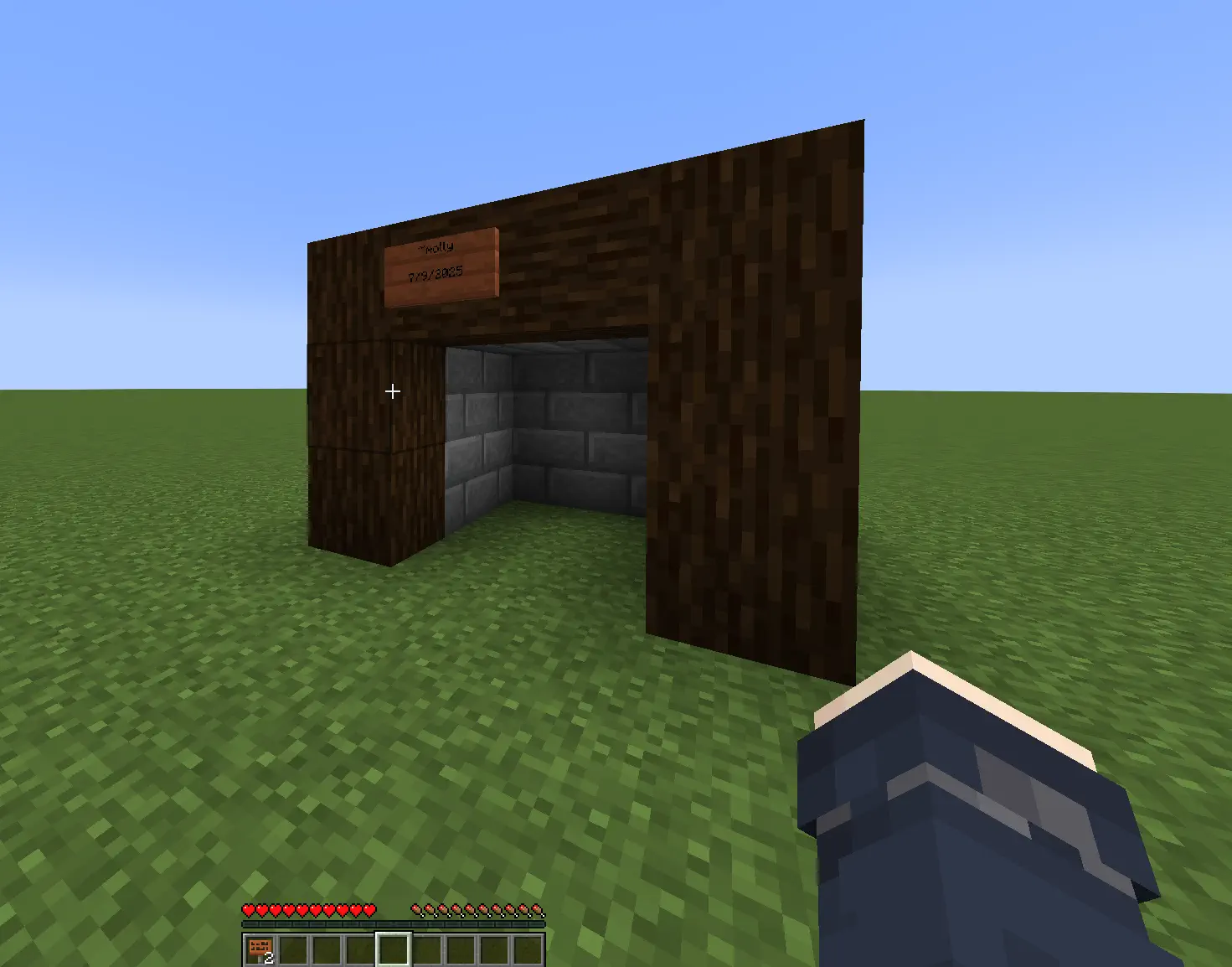
On one server, a 14-year-old asked who I was. I watched in spectator while he built something, then he handed me a sign and asked for an autograph. I signed his world. It made my day.
I got doxxed live (kind of)
I joined a small server with about five players. Someone insisted I share my Discord or get banned. After I joined their Discord, one guy got weirdly hostile and decided I must be a dangerous hacker. He dug up old Minecraft usernames and confidently announced my “real name,” which was actually a completely unrelated person from Portugal. Meanwhile my actual name was linked on my GitHub profile. Internet detective work at its finest.
I met an incel
Two students were playing. We chatted, then one started flirting, I declined, and he invited me to a private Discord. He added that as a woman I might not fit in since it was only computer engineering students. The funny part is that my Discord profile already says I build software for a living. My school works hard to normalize women in tech. Most of the time this kind of thing rolls off me. This time it felt gross.
Gamer grandpa
I found someone moving around awkwardly and not replying in chat. I crafted signs and explained how to chat. He was 60 and had made a server to play with his grandson while learning. I told him to add a whitelist. He added me to it so I could return, which I never did, but it was very wholesome.
Cool builds
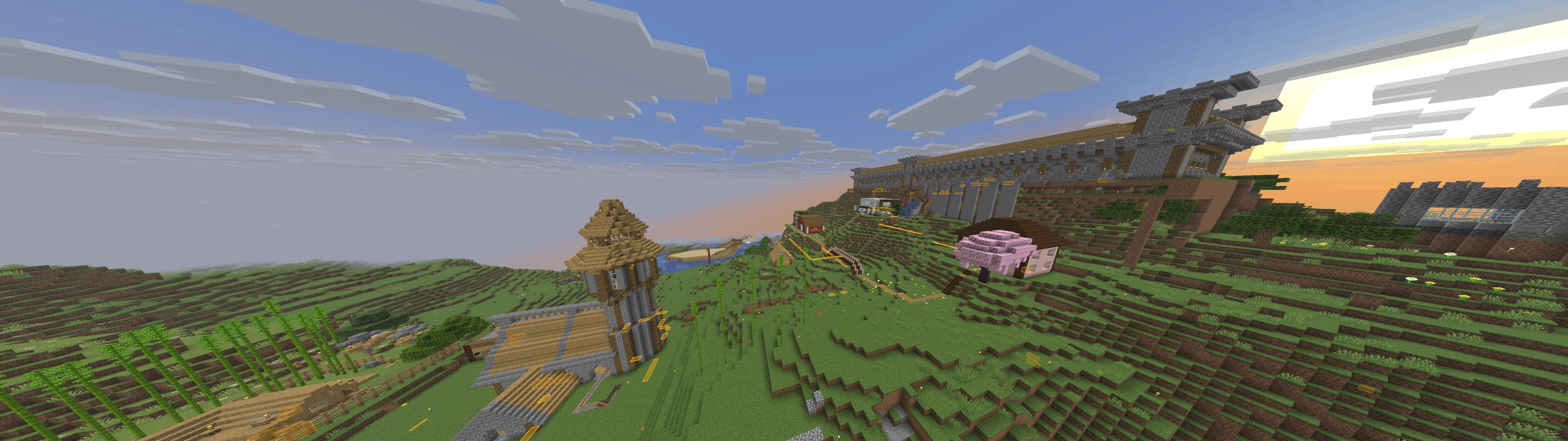
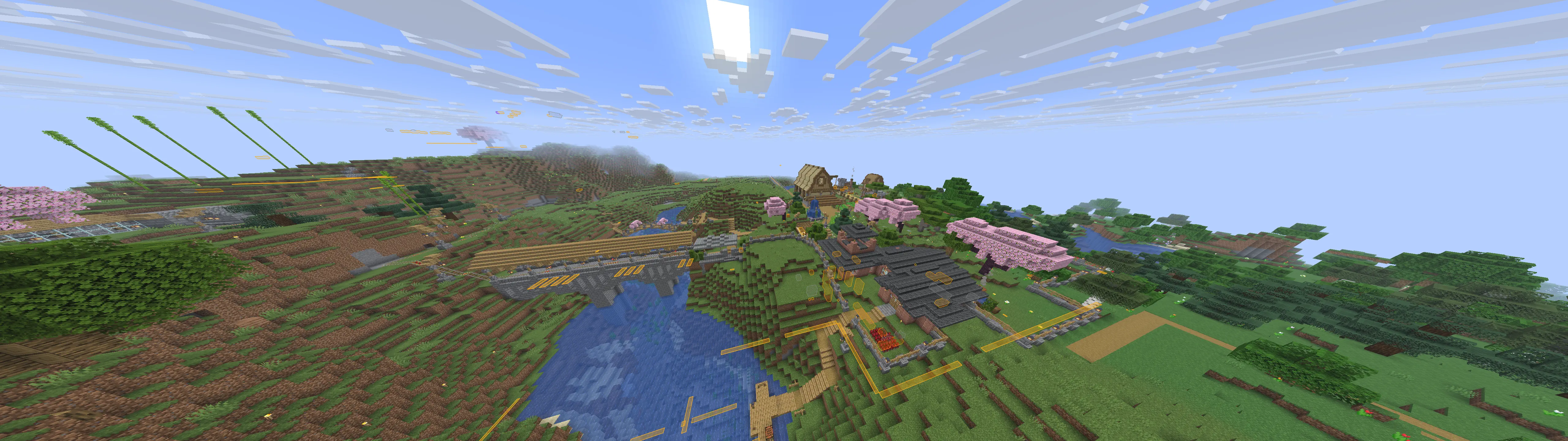
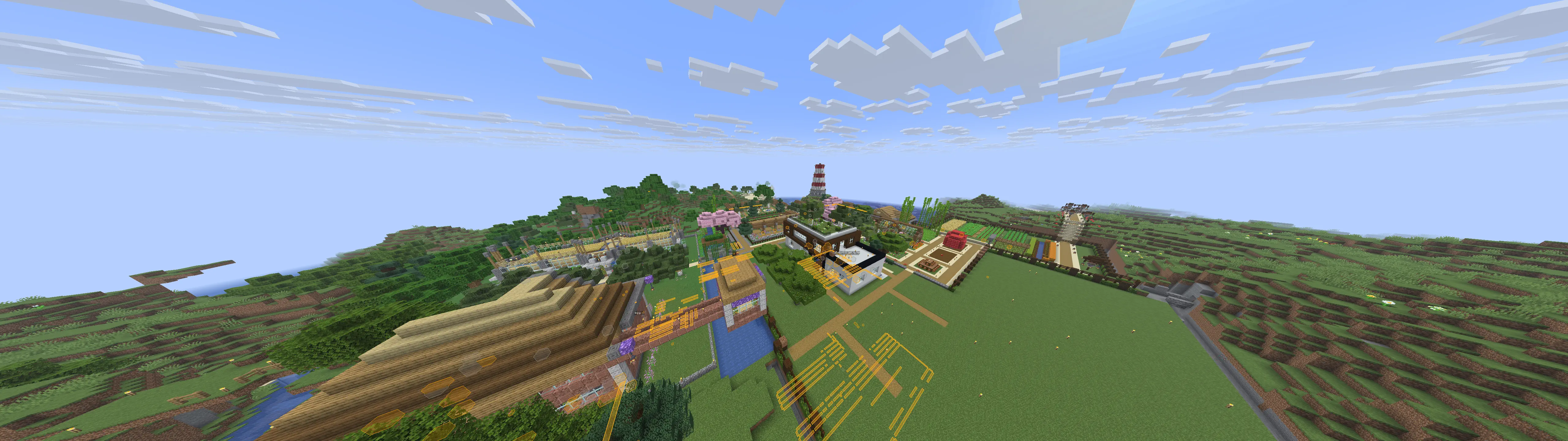
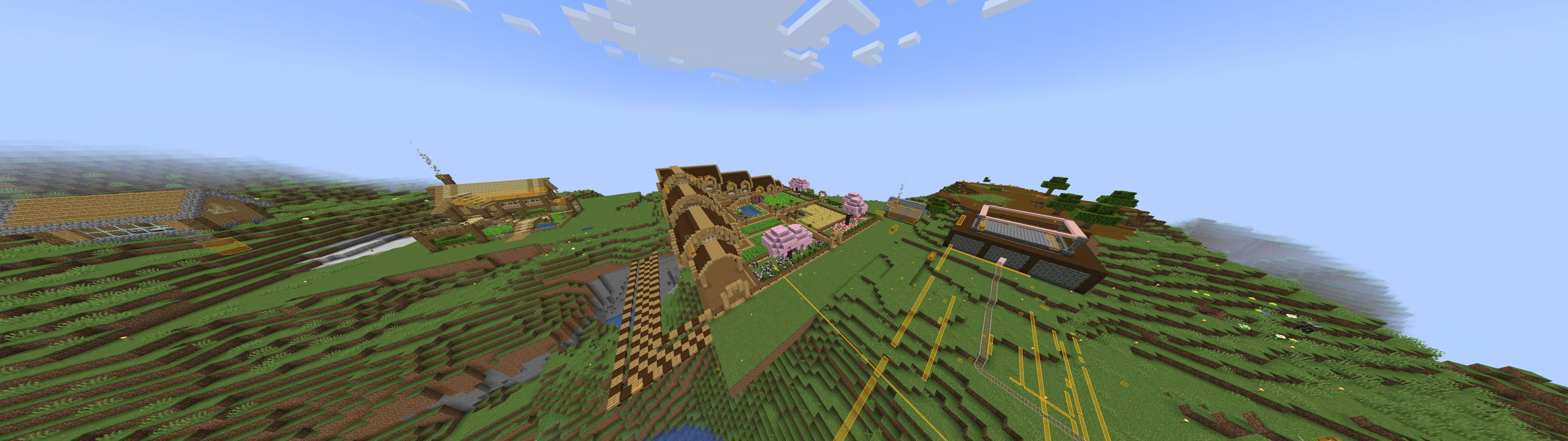
Here are a few builds I stumbled upon. Ignore overlays, I had cheats on.