Scanning IP ranges to find friends
tl;dr summary
After a random login to a friend's Minecraft server led us to Shodan, I built a polite IP-range scanner (whois -> nmap -> Minecraft SLP) and piped the results into Elasticsearch + a UI. Scanning ~3M IPs found ~10k servers, plus a reminder to rate-limit, add jitter/backoff, and respect opt-outs.
table of contents
How it started
A friend saw a strange login on his Minecraft server from what looked like a home IP. A quick look on Shodan showed it belonged to a local high school. Curious, we dug around, tried to find who it was, and eventually discovered (through some ethically questionable sleuthing) his name and email. I wrote to him, he replied, explaining he found the server through Shodan. We talked later about tech and security. Wholesome.
It reminded me of my own teenage curiosity, so I decided to build my own IP range scanner to find Minecraft servers.
How the scanner works
whois doesn’t just work on domains, it also returns IP ranges and ownership info. For each range, I used nmap to find hosts with port 25565 open:
nmap -p 25565 --open -n -oG - <IP_RANGE>Each open host gets a Minecraft Server List Ping (SLP). It’s a short handshake that returns version, players, MOTD, favicon, and latency. I use a Go library to automate it and record results.
Example response:
{
  "version": { "name": "1.21.8" },
  "players": { "online": 3, "max": 20 },
  "description": "My survival server!"
}
Storing and visualizing
The scanner writes results to local JSON Lines (JSONL) files, then a worker bulk-inserts them into Elasticsearch using the _bulk API.
Settings:
- Monthly rolling indices
- 90-day retention
- Compression and shallow mappings
Sample document:
{
  "ip": "192.168.42.52",
  "port": 25565,
  "version": "1.21.8",
  "players": { "online": 3, "max": 20 },
  "description": "My survival server!",
  "latency": 42
}
The front-end is a small React table showing favicon, version, MOTD, players, and latency:

Staying polite
Mass scanning can be noisy. I kept it around 100 probes per second with jitter, exponential backoff, and a Redis token bucket across workers. The run lasted about 12 hours across a few French ISPs.
Results
- ~3 million IPs scanned
- ~10,000 servers found
- ~200 visited manually
Most were small friend servers. Only a few had proper permissions set.
Stories
A kid’s idol
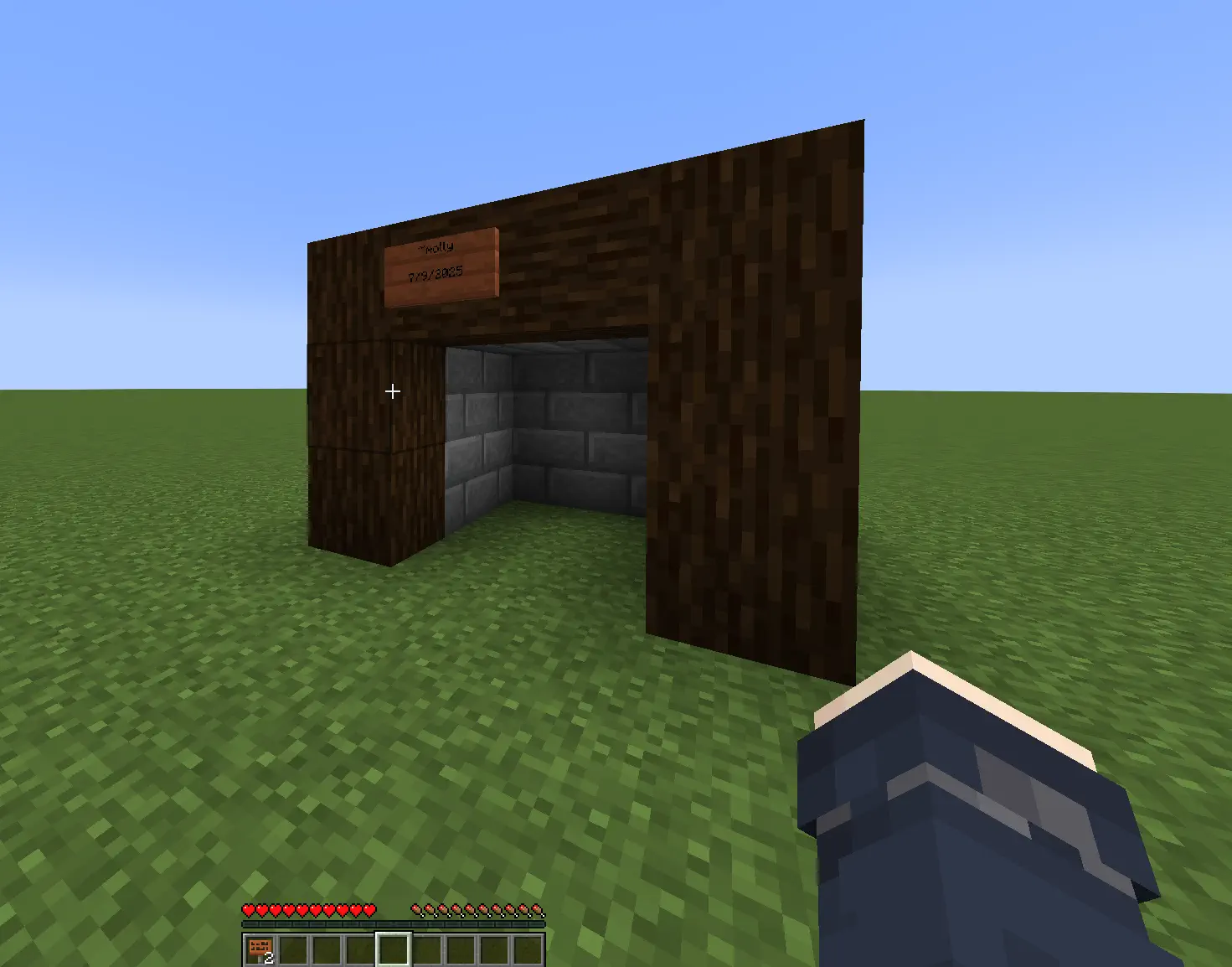
A 14-year-old asked me for an autograph inside Minecraft. I signed his world.
Wrong “doxx”
Another group tried to expose my “real name” and ended up finding a random guy from Portugal. My actual info was on GitHub.
Gamer grandpa
A 60-year-old learning Minecraft to play with his grandson. I taught him to whitelist his server. Extremely wholesome.
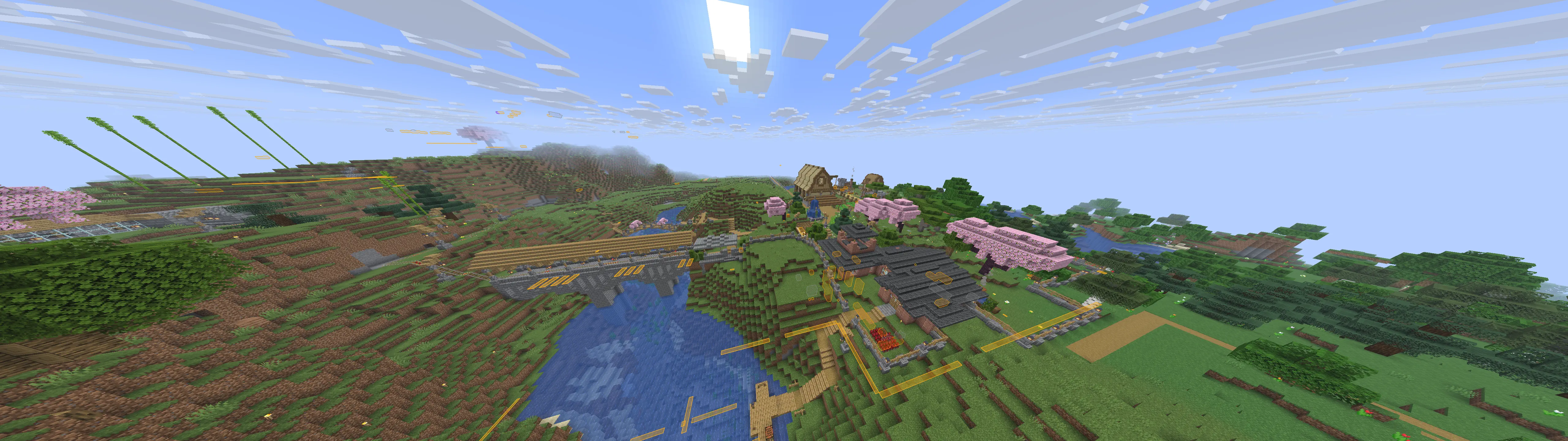
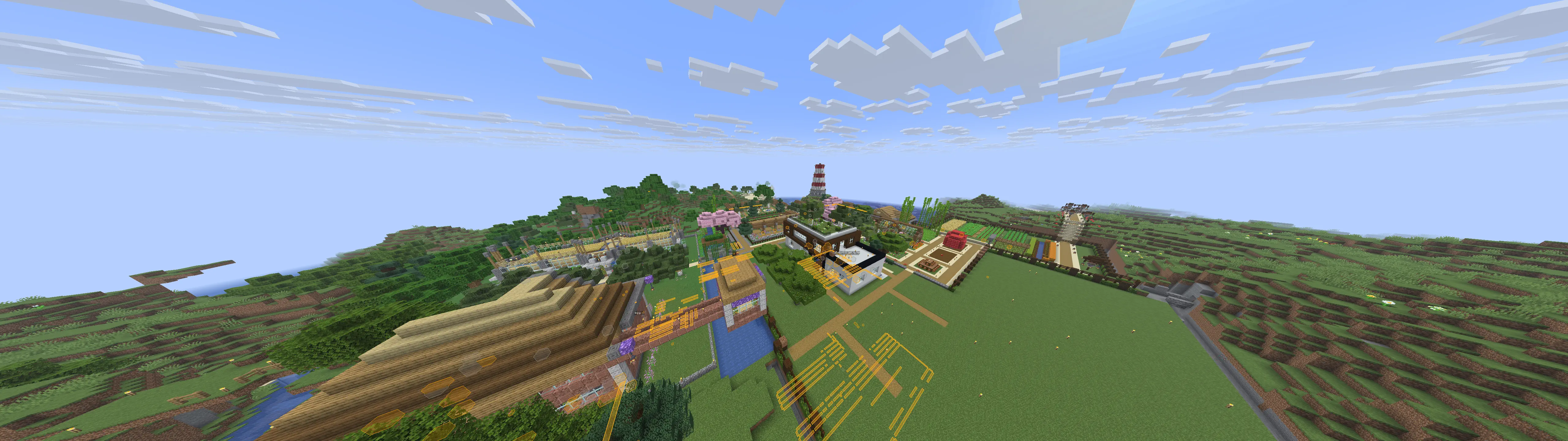
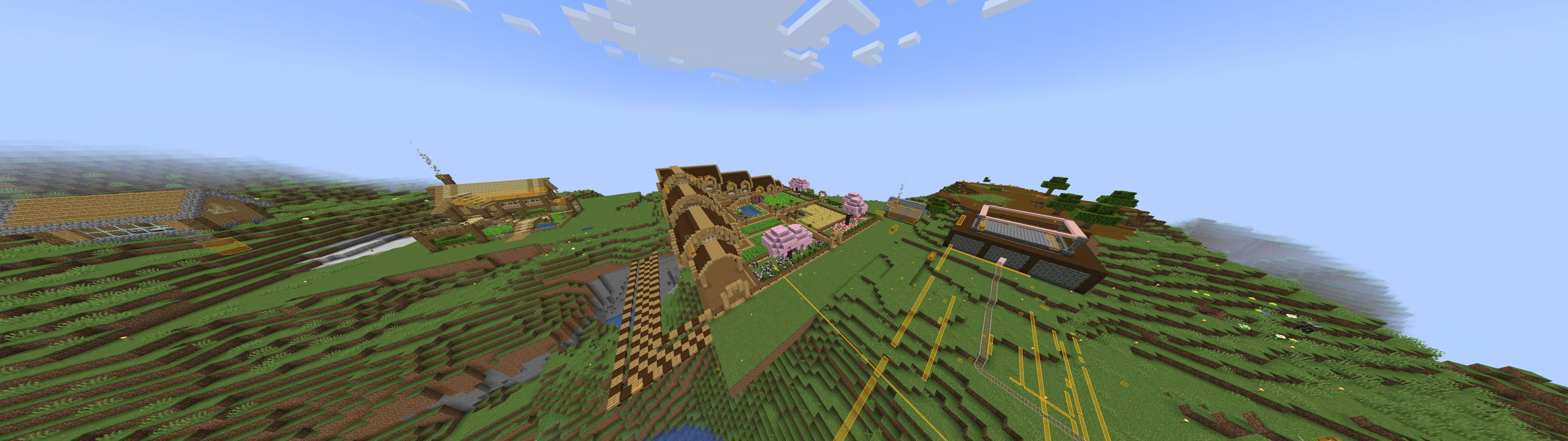
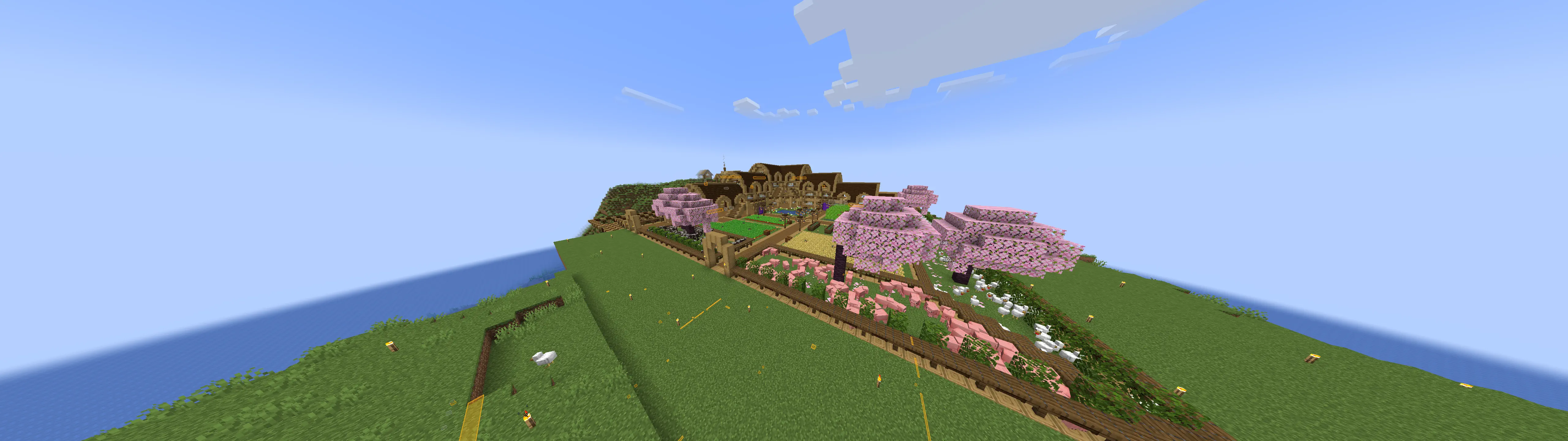
Cool builds



Takeaway
The setup is simple: whois => nmap => SLP => JSONL => Elasticsearch => React UI.
The fun part wasn’t the data, it was the people behind each open port. Scan slow, be respectful, and stay curious.